Chapter 11
iPhone and Widgets
Everything in this manual works on iPhone too. This chapter covers what's different.
Getting around
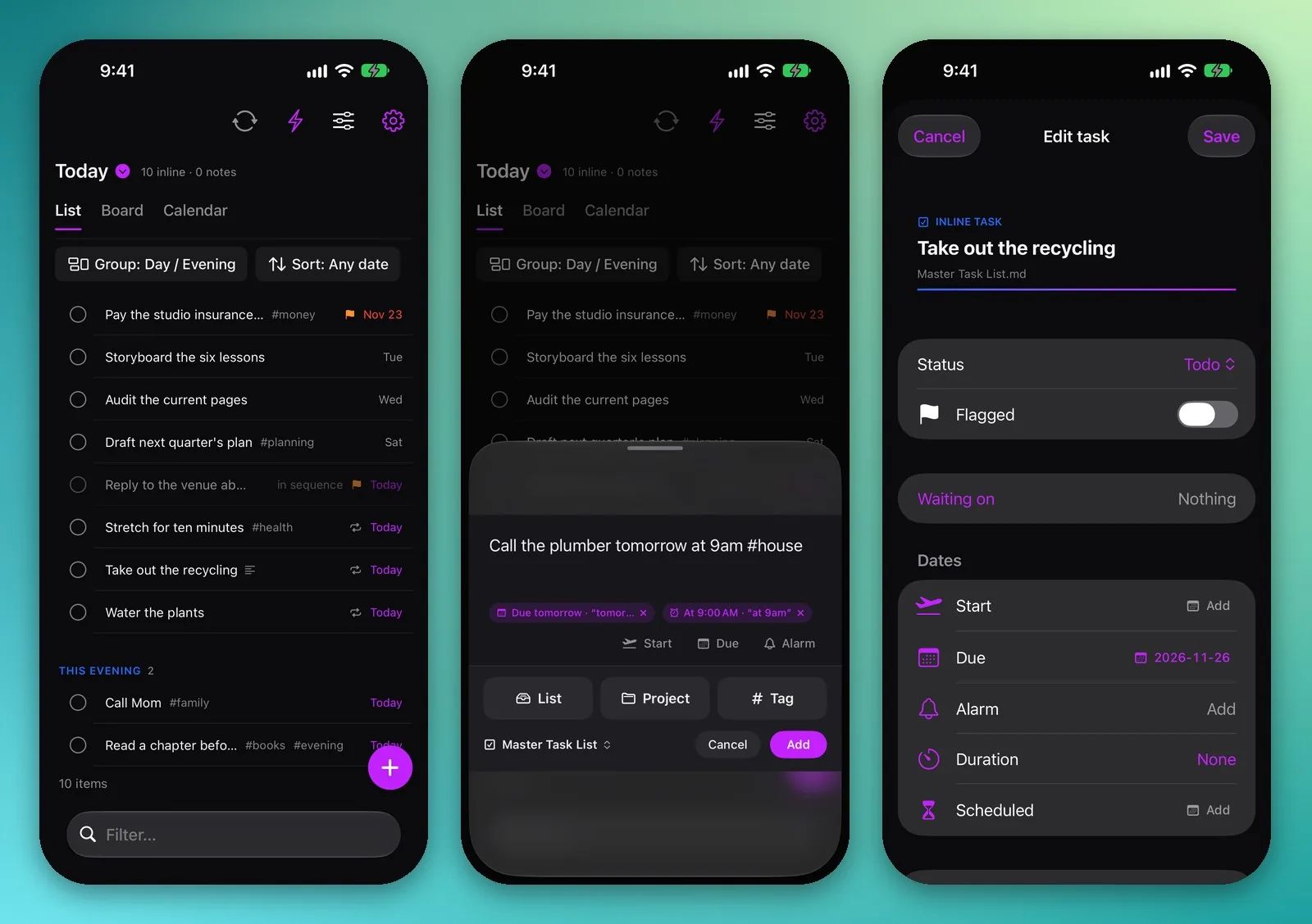
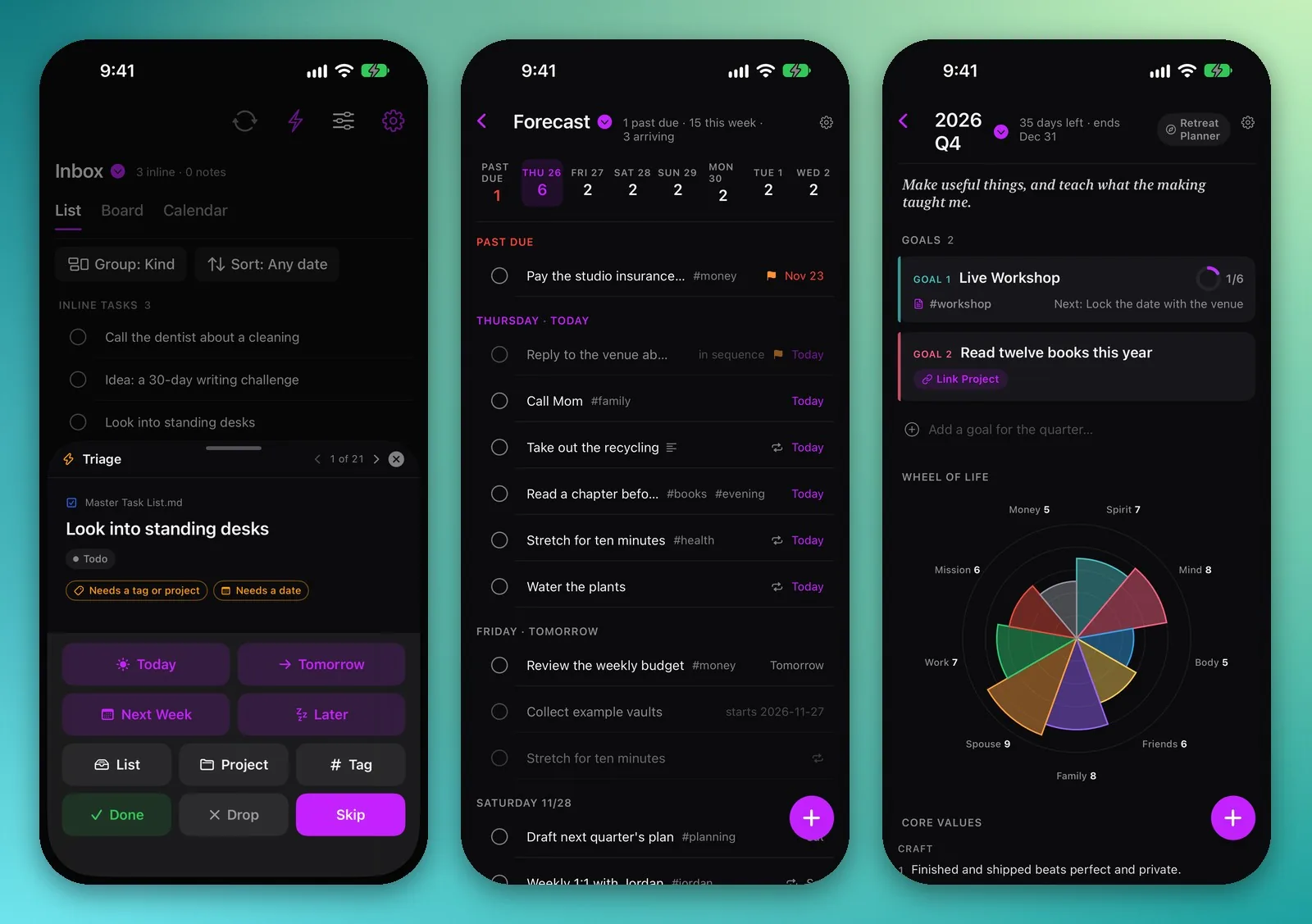
- Tap the view title (blue chevron) to switch views, lists, projects, people, or open Review.
- Forecast, Quarter and person pages have a ‹ back button.
- Layouts: List, Board and Calendar (an agenda list). Timeline is Mac and iPad only.
- Pickers, calendars and alarms open as sheets from the bottom.
Swipes
On any task row (in lists and the calendar agenda):
| Swipe | Does |
|---|---|
| Right | Complete |
| Left | Flag (or unflag) |
| Keep pulling left | Switches to This Evening (moon to add, sun to remove) — you'll feel a stronger tap when it switches |
The + button
The round + opens the capture window.
- Keep your finger on it — a fan of three options springs out around it: Task (the capture window), List (a new list in the list builder) and Project (a new project note). The + turns into an ×; tap it, or anywhere else, to put the fan away. The fan always opens toward the middle of the screen, wherever the button sits.
- Drag it — moves it somewhere more comfortable, straight away; it remembers.
Siri and Share
See Capturing Tasks › Siri, Shortcuts and Share (iPhone).
Keeping up to date
The toolbar shows Vault as of … — how fresh your copy of the vault is. Tap it to open Obsidian, which pulls the latest from Obsidian Sync; come back and ObsiFocus refreshes. It also refreshes whenever you open the app, and in the background about every half hour.
The Today widget
Add ObsiFocus → Today to your Home Screen or Lock Screen.
| Size | Shows |
|---|---|
| Small | Overdue, today and flagged counts, plus 2 tasks |
| Medium | The counts plus 4 tasks, with alarm times |
| Lock Screen circle | Overdue + today count |
| Lock Screen rectangle | ObsiFocus · N today plus 2 tasks |
It lists overdue tasks first, then today's. Tap a task's circle to complete it right from the widget — it disappears immediately, and the completion (recurrence included) is written to your vault the next time ObsiFocus opens. Tap anywhere else to open the app.
The widget always shows your whole vault, even when you're in Focus.