
Chapter 6
Triage
Triage walks you through every open task that doesn't have a home or a date yet, one card at a time. Open it with the ⚡ button in the toolbar or ⇧⌘T.
What's in the queue
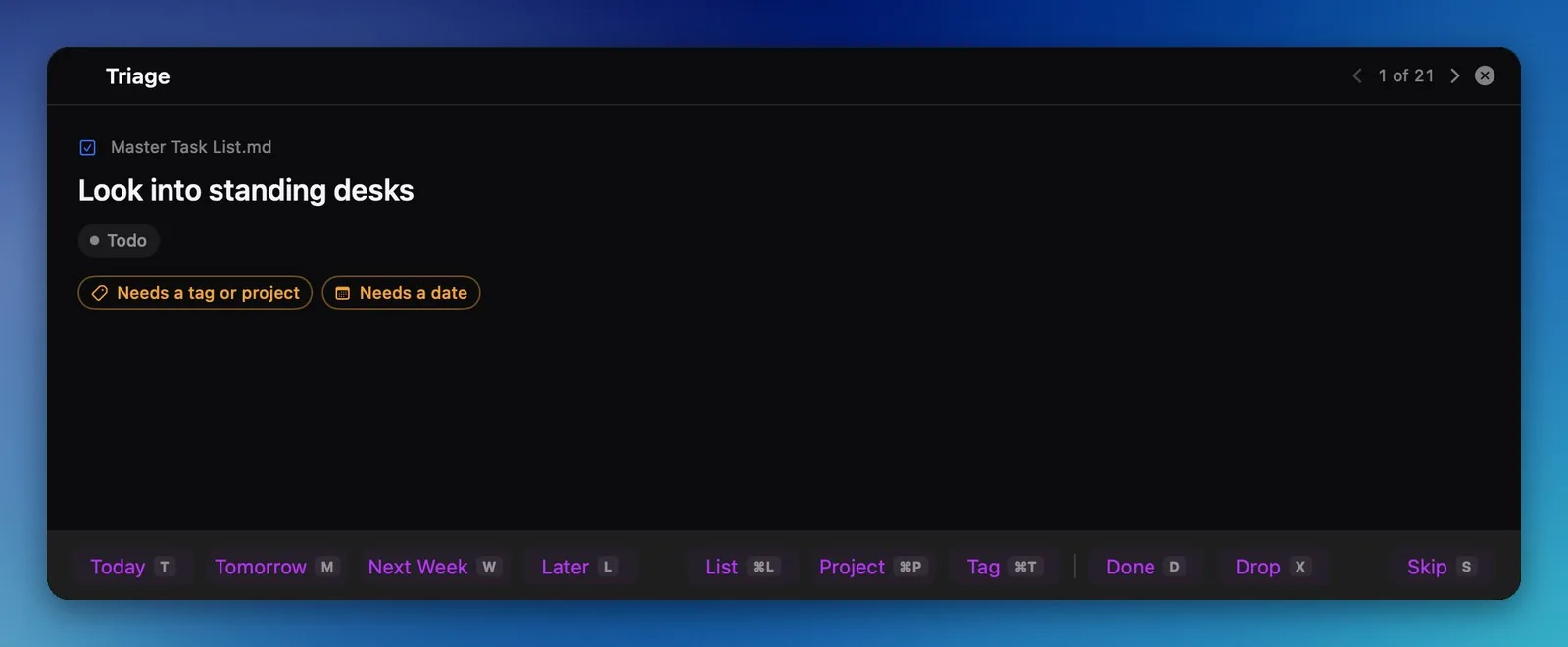
Every open task that isn't settled. A task is settled when it:
- is filed in a list (Waiting, Clarify, Later, Back Burner, Thinking Time, To Discuss, or one of your own tag-based lists), or
- has both a tag or project and a date (start, scheduled or due).
Tasks with nothing at all come first. Each card shows what it's missing (Needs a tag or project, Needs a date). The header shows N of M.
The verbs
| Mac key | Button | Does |
|---|---|---|
| T | Today | Sets the due date to today |
| M | Tomorrow | Due tomorrow |
| W | Next Week | Due in 7 days |
| L | Later | Files to #later and clears the due date |
| ⌘L | List | Choose a list to file it in |
| ⌘P | Project | Choose a project — or type a new name to create a project note on the spot |
| ⌘T | Tag | Choose a tag — or type a new one |
| D | Done | Completes it |
| X | Drop | Marks it cancelled (not deleted) |
| S or Return | Skip | Next card, no change |
- Today / Tomorrow / Next Week set the due date by default. Settings → Triage → Date verbs set can make them set the start date instead. On the Mac, holding ⇧ (⇧T, ⇧M, ⇧W) sets whichever one the setting doesn't.
- ← / → move between cards; ← brings back a skipped card. Esc closes Triage.
- When a card becomes settled it leaves the queue; otherwise it stays so you can keep working on it.
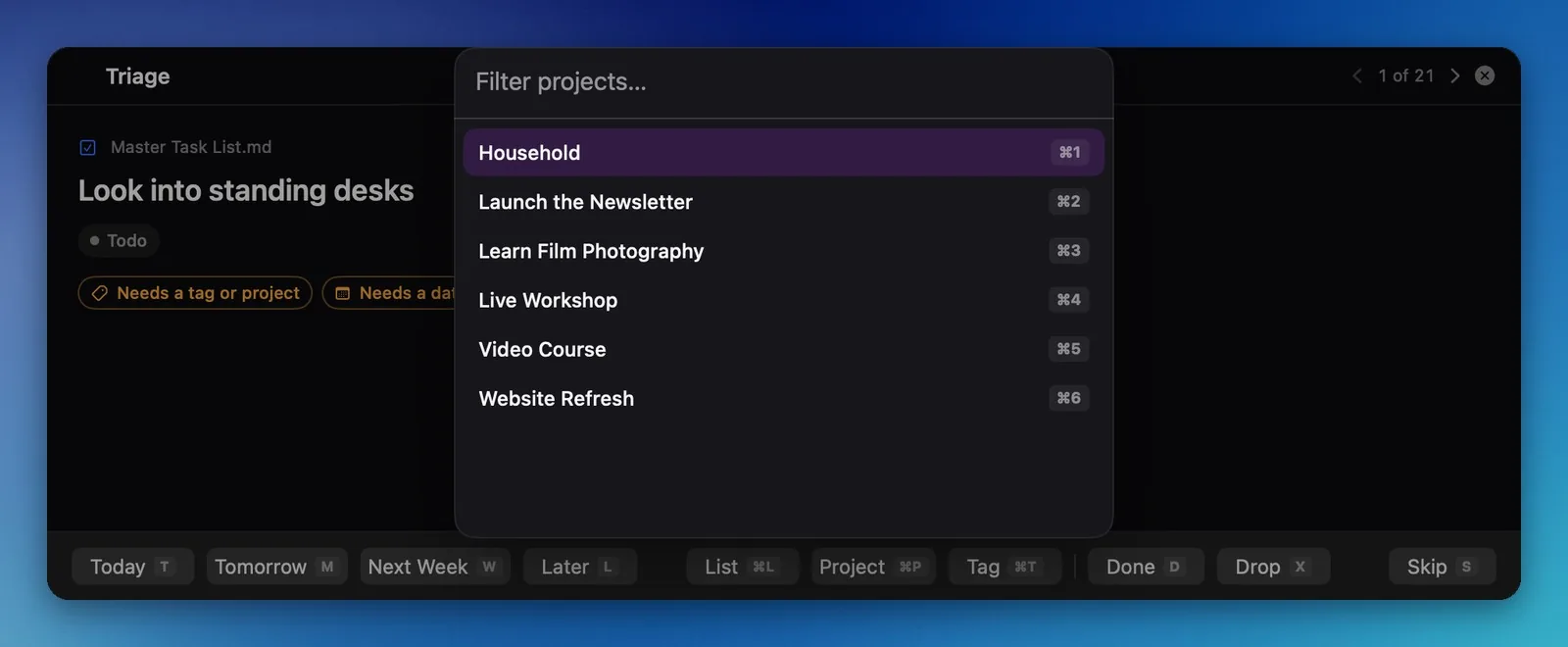
The List, Project and Tag pickers are the usual filter panel: type to narrow, ⌘1–⌘9 (and ⌥1–⌥9) pick rows, Esc closes just the panel.
On iPhone
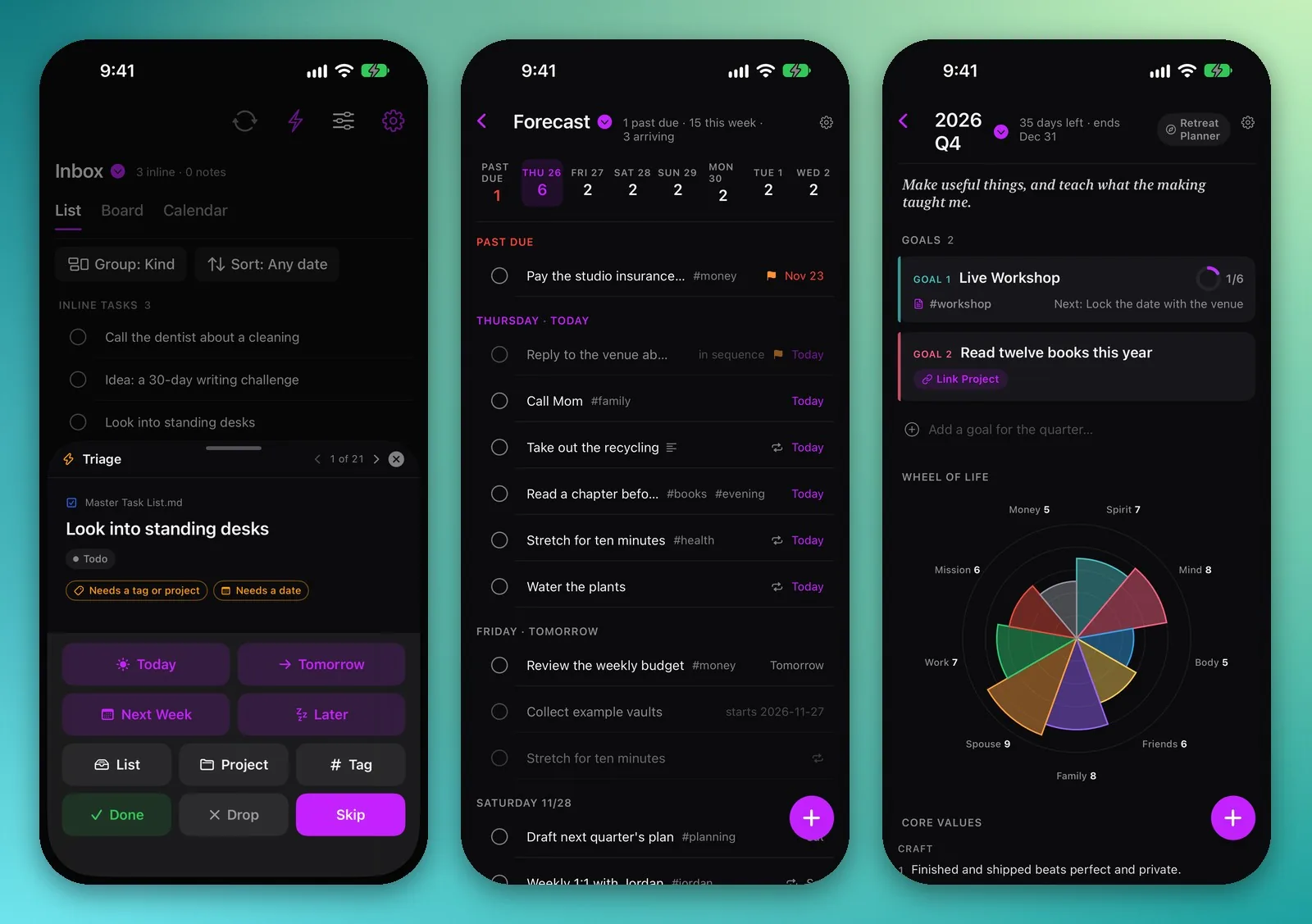
Big buttons: Today, Tomorrow, Next Week, Later in a grid; then List, Project, Tag; then Done, Drop, Skip. Swipe the card left for the next one, right for the previous.
When you're done
"All clear — every task has a home." (or how many you handled, or how many you skipped — press ← to revisit them).